


Overview
Assessments help organizations identify, measure, and manage cybersecurity, compliance, and operational risks. This guide walks you through creating your first assessment in ThreatSafe.
Before You Begin
Make sure you have:
- An active ThreatSafe account
- Appropriate user permissions
- Basic information about the organization or vendor being assessed
Step 1: Navigate to Assessments
- Log in to your ThreatSafe account.
- Open the main dashboard.
- Select Assessments from the navigation menu.
- Click Create Assessment.
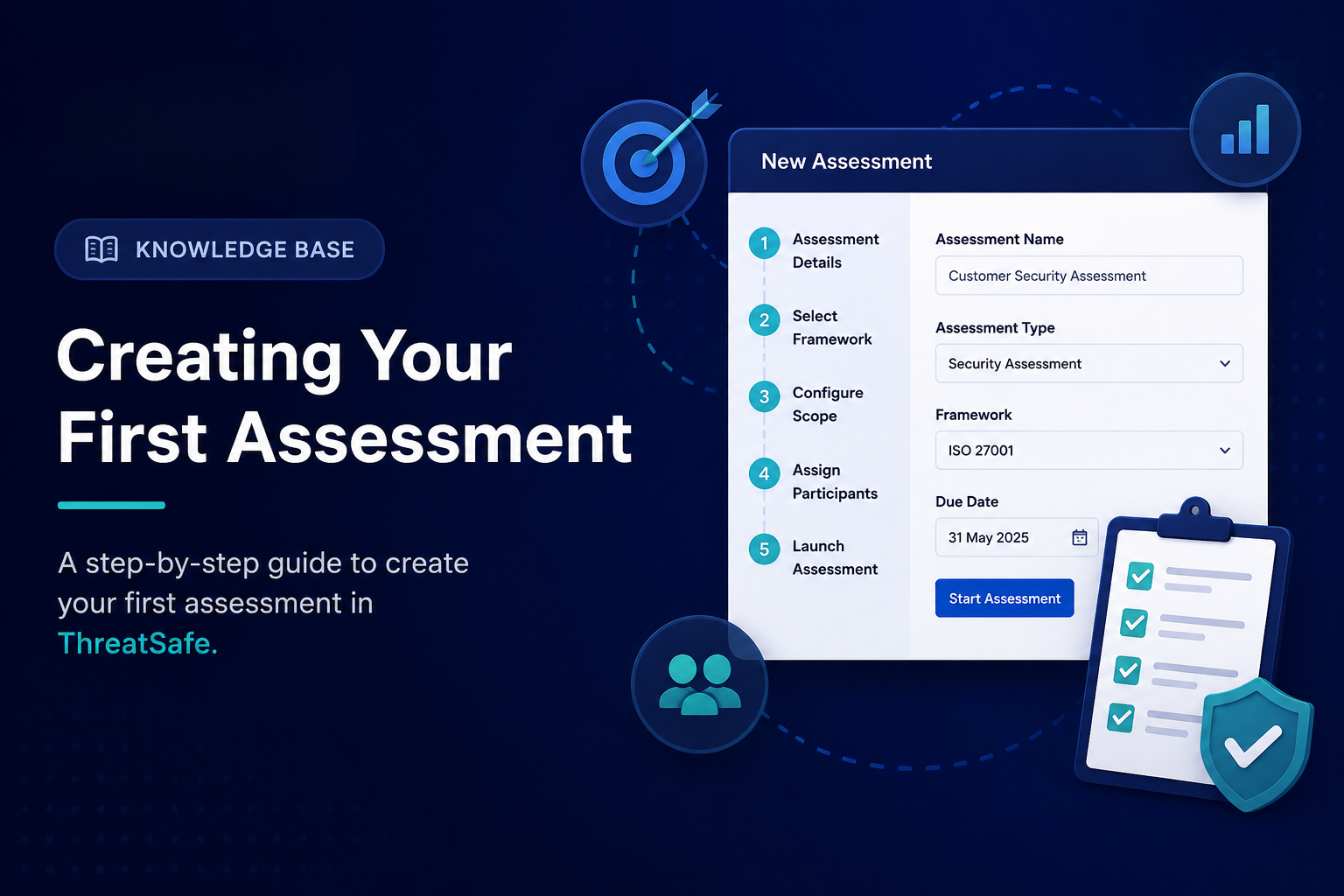
Step 2: Enter Assessment Details
Provide the required information:
| Field | Description |
|---|---|
| Assessment Name | A clear name for the assessment |
| Assessment Type | Security, Compliance, Vendor Risk, or Custom |
| Description | Brief summary of the assessment |
| Owner | Person responsible for managing the assessment |
| Due Date | Expected completion date |
Click Next to continue.
Step 3: Select a Framework
Choose the framework that best fits your requirements.
Examples include:
- ISO 27001
- SOC 2
- GDPR
- MiCA
- NIST Cybersecurity Framework
- Custom Framework
You can also create a custom assessment if your requirements are unique.
Step 4: Configure Scope
Define what will be included in the assessment.
Examples:
- Business units
- Departments
- Vendors
- Applications
- Infrastructure assets
- Cloud environments
A clearly defined scope helps produce more accurate results.
Step 5: Assign Participants
Add users who will contribute to the assessment.
Roles may include:
- Assessment Owner
- Reviewer
- Approver
- Contributor
Each participant will receive access based on their assigned role.
Step 6: Launch the Assessment
Review all details and click Start Assessment.
ThreatSafe will:
- Generate questionnaires
- Track responses
- Monitor progress
- Collect supporting evidence
Step 7: Review Results
Once responses are submitted, ThreatSafe automatically analyzes the data and generates:
- Risk scores
- Compliance status
- Findings and gaps
- Recommended actions
Step 8: Generate Reports
After the assessment is completed, you can export reports in various formats for:
- Internal reviews
- Management reporting
- Audits
- Regulatory submissions
Next Steps
After completing your first assessment, explore:
- Risk Management
- Compliance Monitoring
- Vendor Assessments
- Continuous Security Monitoring
- Executive Reporting
Need help? Contact the ThreatSafe support team for assistance with setup, configuration, or framework selection.